




How to maintain a Usb Mini Hand Fan?
 Sep 16, 2026|
 Hey there! As a supplier of USB Mini Hand Fans, I know how important it is to keep these little gadgets in tip - top shape. These fans are super handy, whether you're at your desk, on a picnic, or just trying to beat the heat on a sunny day. So, let's dive into how to maintain your USB Mini Hand Fan.
Cleaning the Fan Blades
The first thing you gotta do is clean the fan blades regularly. Over time, dust and dirt can build up on them, which not only makes the fan look dirty but can also affect its performance. To clean the blades, start by unplugging the fan from the USB port. You don't want to get electrocuted, right?
Then, use a soft, dry cloth to gently wipe the blades. If there's stubborn dirt, you can dampen the cloth slightly with a bit of water. But make sure it's just slightly damp, not soaking wet. You don't want water getting into the fan's internal parts. If the dirt is really stuck on, you can use a small brush, like an old toothbrush, to carefully scrub the blades. Just be gentle so you don't bend or break them.
Checking the USB Connection
Another crucial part of maintenance is checking the USB connection. The USB port on the fan and the cable can sometimes get loose or damaged. If you notice that the fan isn't working when it's plugged in, first check the USB cable. Look for any signs of fraying or damage. If the cable is damaged, it's best to replace it.

Also, take a look at the USB port on the fan itself. Sometimes, dust or debris can get inside the port, preventing a proper connection. You can use a can of compressed air to blow out any dirt from the port. Just hold the can upright and give a few short bursts of air into the port.
Lubricating the Motor (if applicable)
Some USB Mini Hand Fans have motors that may require lubrication over time. If your fan has a motor that needs lubricating, check the manufacturer's instructions for the right type of lubricant to use. Usually, a light machine oil will do the trick.
To lubricate the motor, you'll need to open the fan carefully. This might require a small screwdriver. Once you've opened it up, find the motor and apply a tiny drop of oil to the moving parts. Be very careful not to over - lubricate, as too much oil can cause the fan to malfunction. After applying the oil, close the fan back up firmly.
Battery Care (for rechargeable fans)
If your USB Mini Hand Fan is rechargeable, battery care is essential. First, always use the charger that came with the fan. Using a different charger can damage the battery. When charging the fan, make sure the environment is cool. High temperatures can shorten the battery's lifespan.
Don't let the battery completely drain before recharging it. It's better to recharge it when it's around 20 - 30% full. This helps to maintain the battery's health. If you're not going to use the fan for a long time, store it with the battery about 50% charged.
Storing the Fan
When you're not using the fan, proper storage is important. Keep it in a dry place. Moisture can damage the internal components of the fan. You can also use a small pouch or a box to protect it from dust and scratches.
If you're traveling with the fan, make sure it's well - packed. You don't want it to get banged around and damaged in your bag.
Why Maintenance Matters
Maintaining your USB Mini Hand Fan has a lot of benefits. First of all, it ensures that the fan works efficiently. A clean and well - maintained fan will blow air more effectively, keeping you cool. It also extends the lifespan of the fan. Instead of having to buy a new fan every few months, proper maintenance can make your fan last for years.
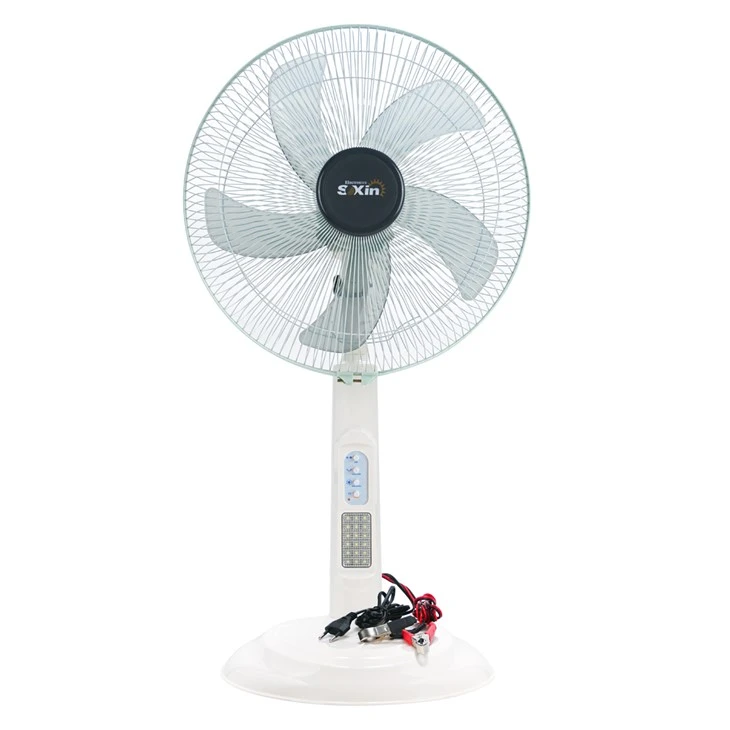
Now, if you're in the market for other types of fans, we also offer some great options. Check out our 16 Inch Solar Battery Fan, which is perfect for outdoor use. It runs on solar power and is very energy - efficient. We also have a Rechargeable Outdoor Desk Fan that's great for your patio or deck. And if you need a fan with a light, our Battery Powered Fan with Light is a great choice.
If you're interested in purchasing our USB Mini Hand Fans or any of our other products, we're more than happy to discuss your needs. Whether you're a retailer looking to stock our fans or an individual in need of a reliable cooling solution, we're here to help you. Reach out to us for a purchase negotiation, and let's work together to find the best solution for you.
References
- General knowledge about fan maintenance from years of experience as a USB Mini Hand Fan supplier.
- Manufacturer's instructions for USB Mini Hand Fans regarding cleaning, lubrication, and battery care.